Interior design app for iPhone

Your room, redesigned from one photo.

Photograph a room, choose a style, and see it transformed in about a minute. Your walls, windows and proportions stay exactly where they are.

Download on theApp Store See how it works Free to download. Interior, virtual staging and garden design.
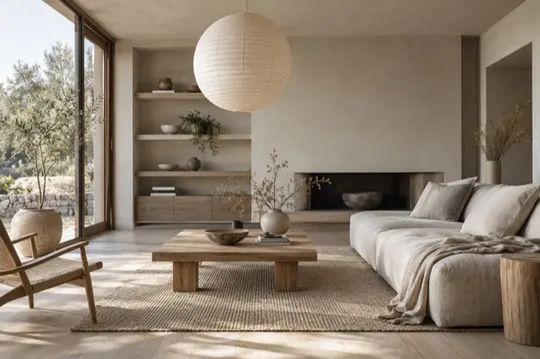
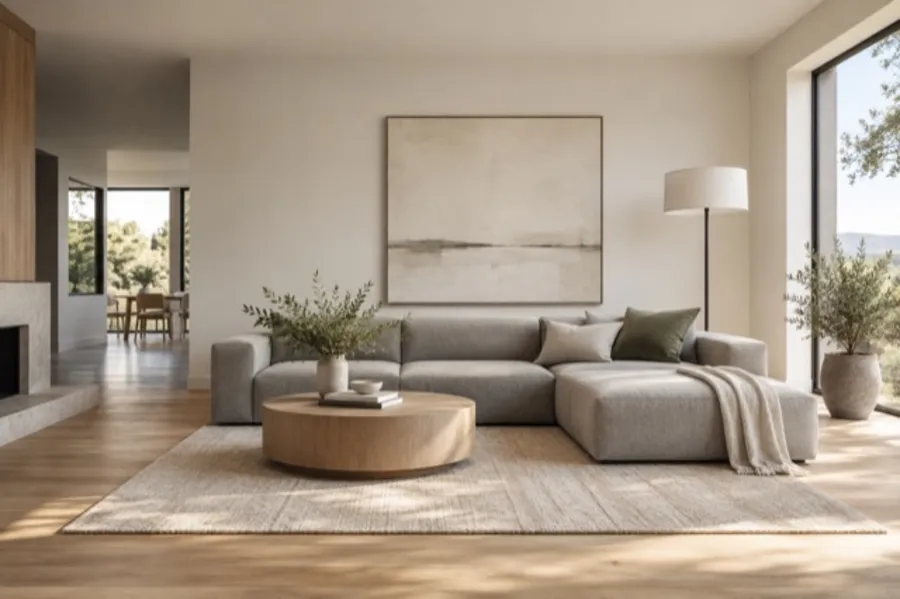
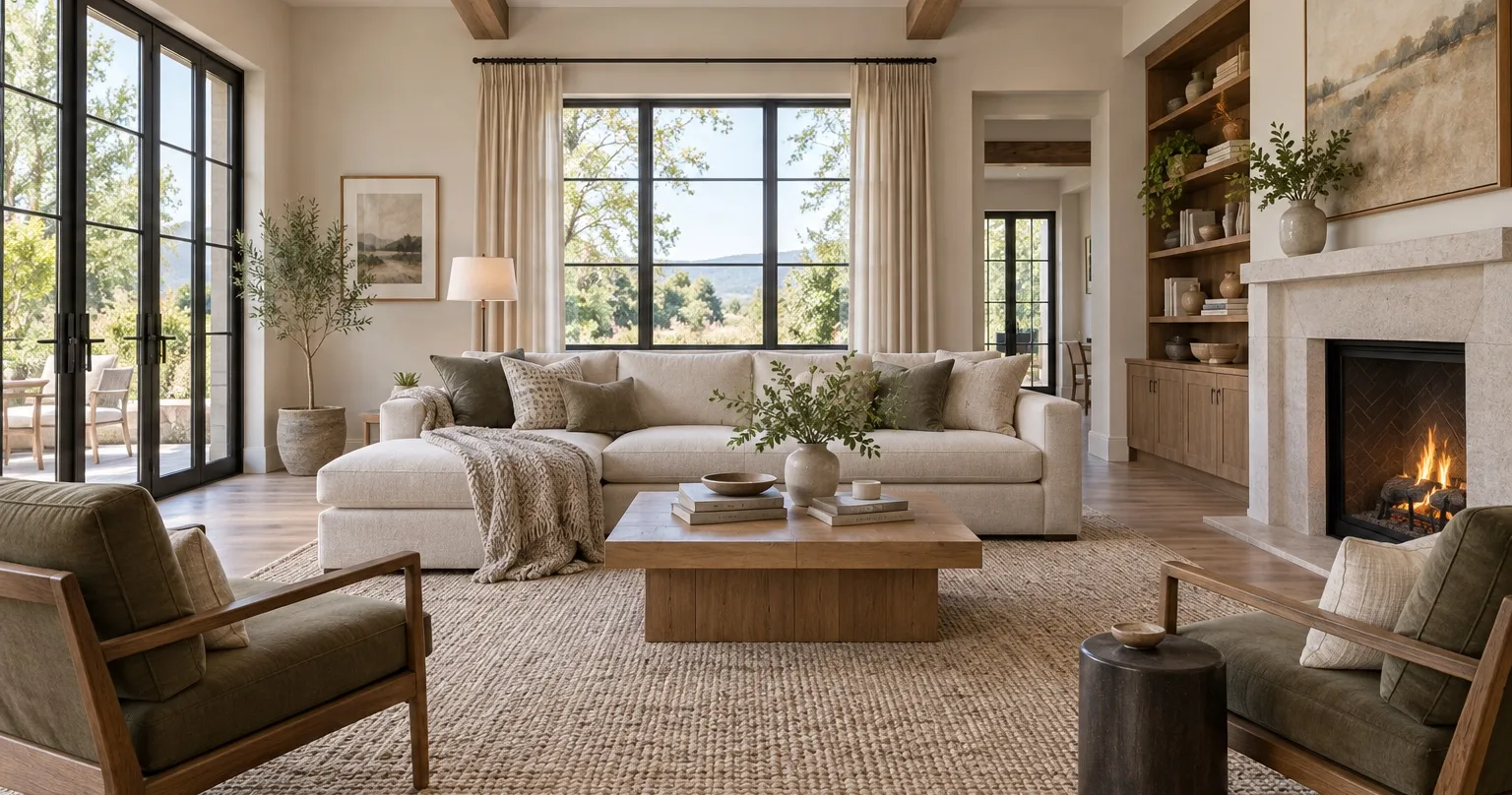
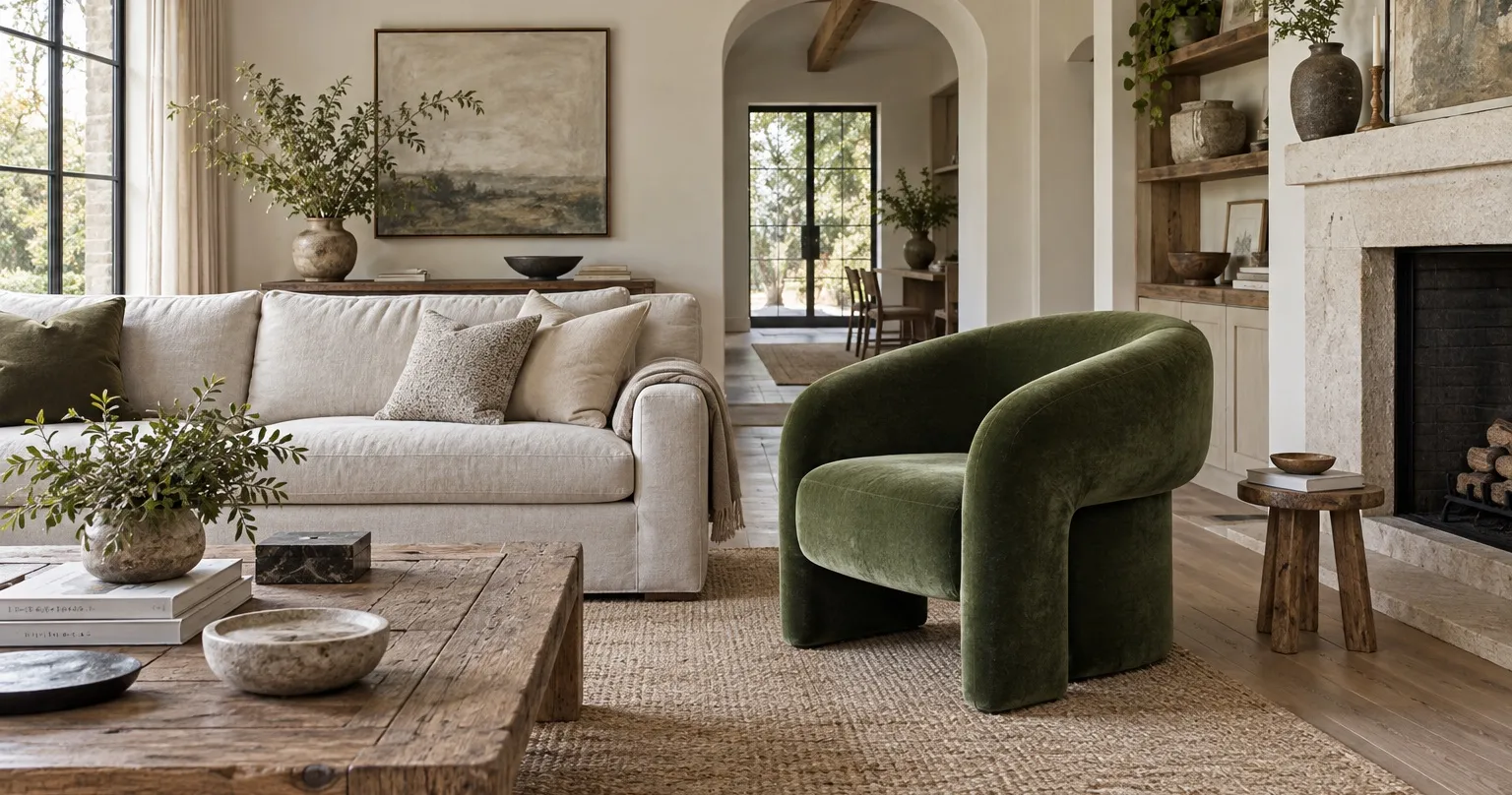
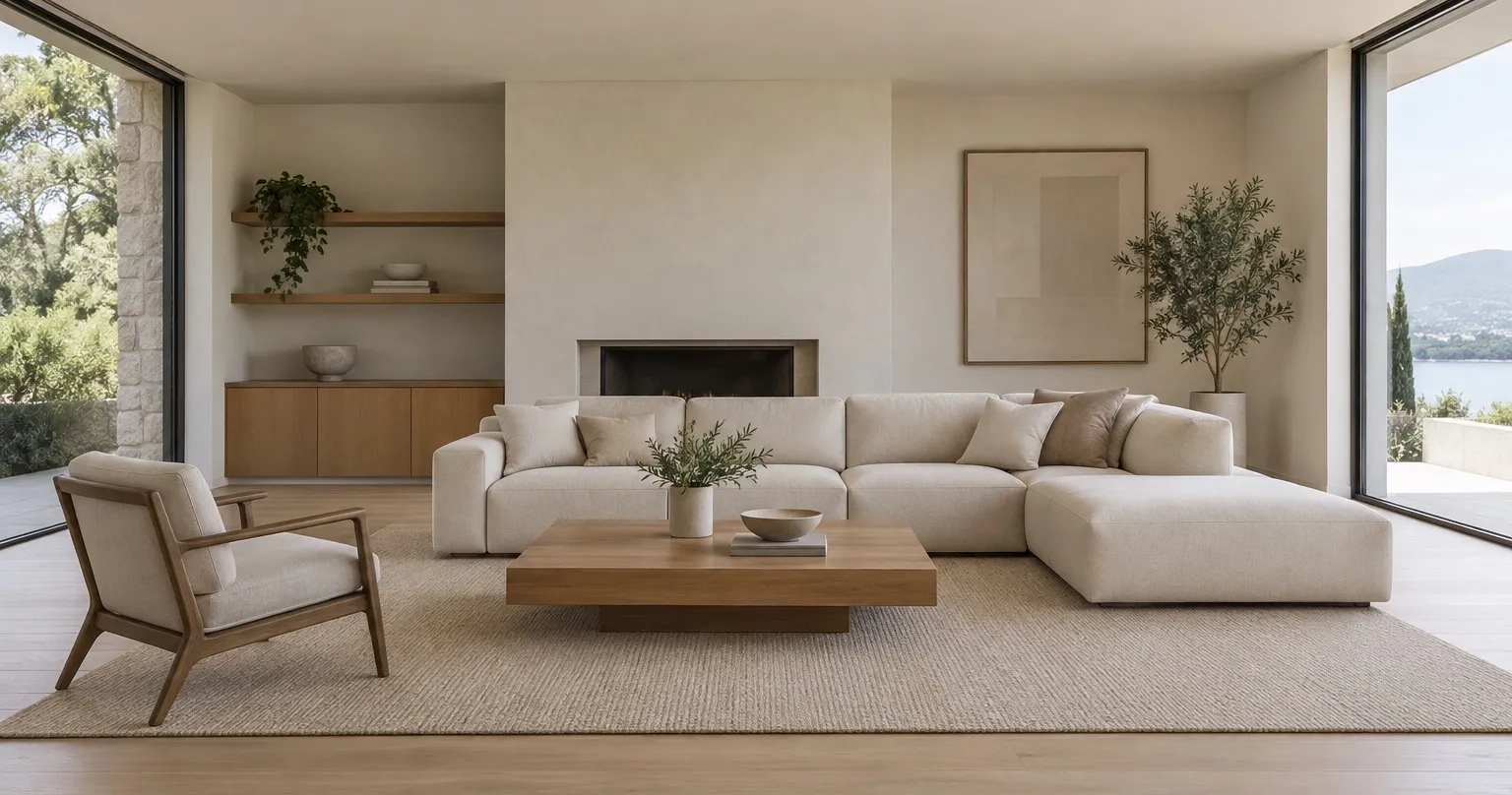
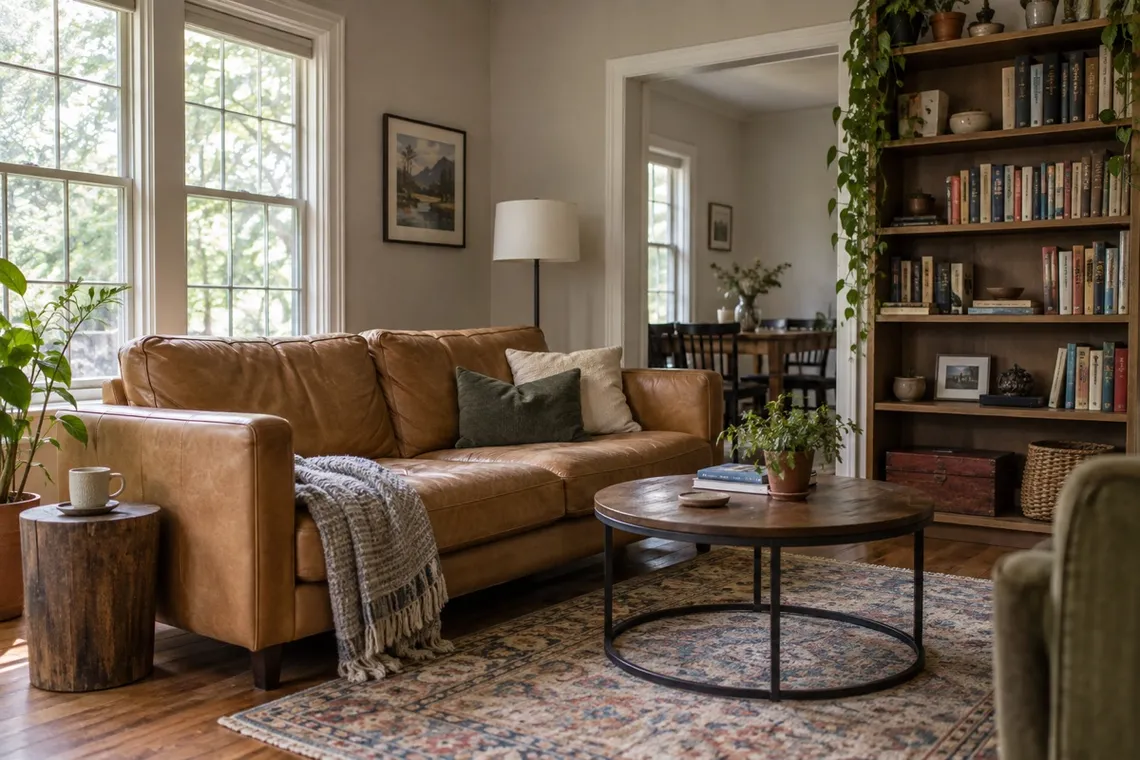
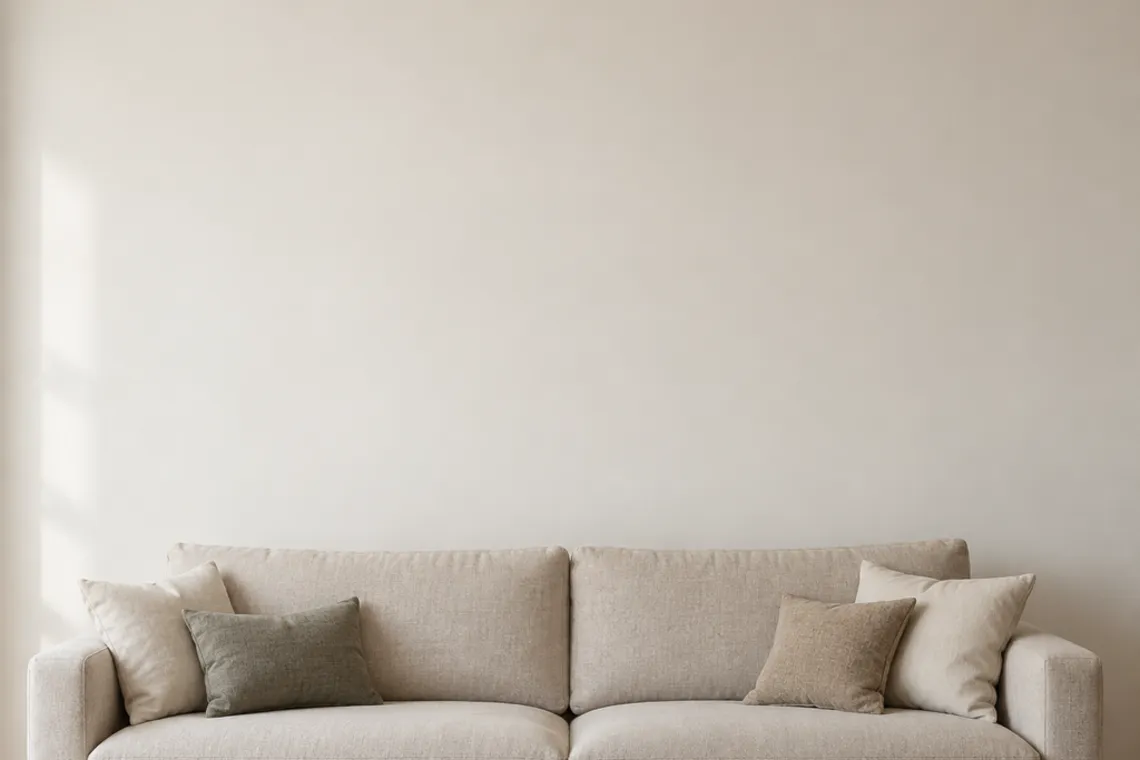
The same living room redesigned by Room AI: cream linen sofa, jute rug, olive tree and a paper lantern in warm light A dated living room with a brown sofa, worn coffee table and bare beige walls
Slide to compareLiving room, Organic Modern
How it works

Upload your room. Choose the look. See it transformed.

No floor plans, no measuring, no software to learn. Room AI works from the room you already have.

Step 1

Upload

Take a photo or pick one from your library. A wide shot from the doorway works best, and Room AI tells you before you generate if a photo will not.

  • Camera or photo library, plus demo rooms to try first
  • Recent photos one tap away
  • Crop it before the designer sees it
Upload your photoJPEG, PNG or a photo you take now. Anything of the room.
The chosen room photo
living-room.jpg2.4 MB · Uploaded
Continue
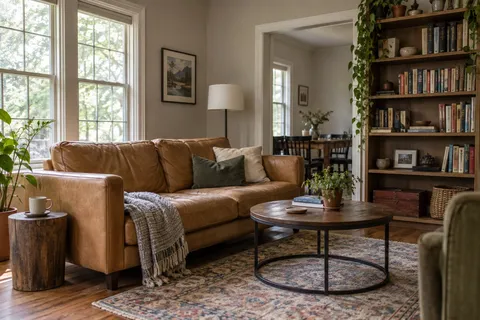
Step 2

Choose the look

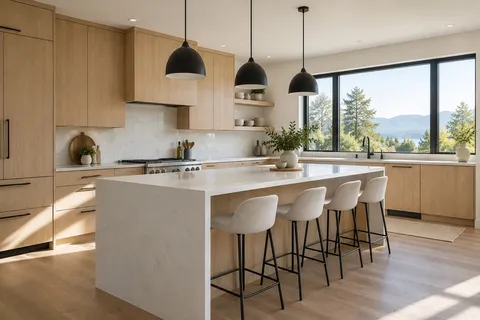
Pick the room type and a style from the catalogue, then decide how much can change. Every style has a photograph, so you know what you are choosing.

  • Walls, windows and layout stay in place; only the design changes
  • Interior, garden, patio and balcony
  • Twenty-five styles and eight for the garden, or Surprise Me
  • Swap any single item: sofa, lighting, rug
1. Room typeView all
Living roomLiving room
BedroomBedroom
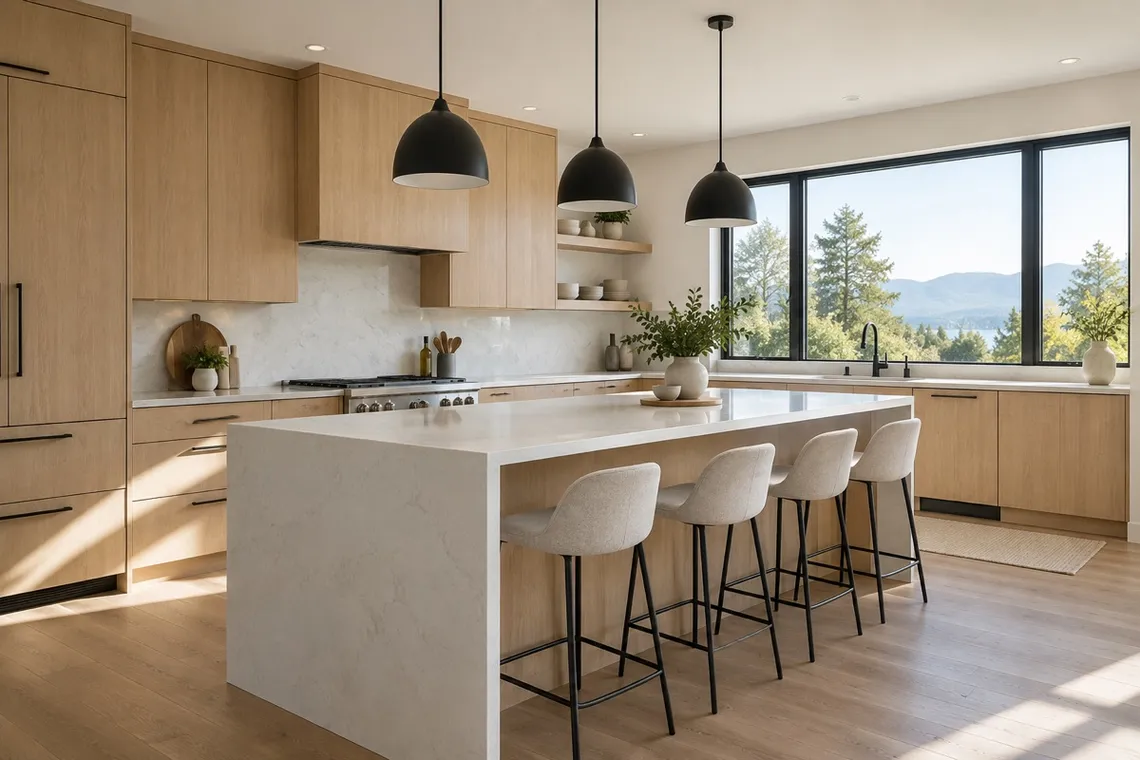
KitchenKitchen
GardenGarden
2. StyleView all
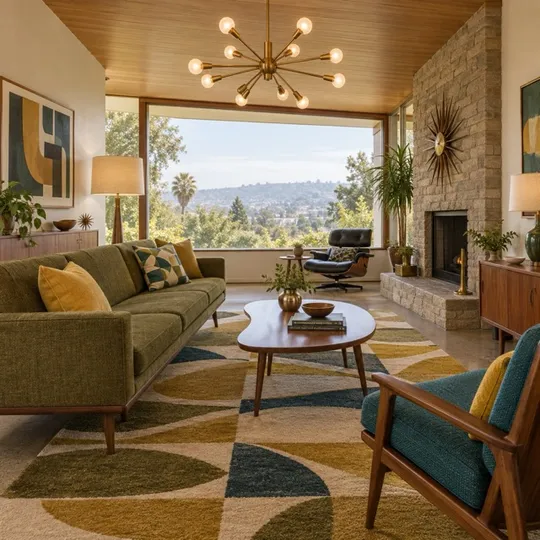
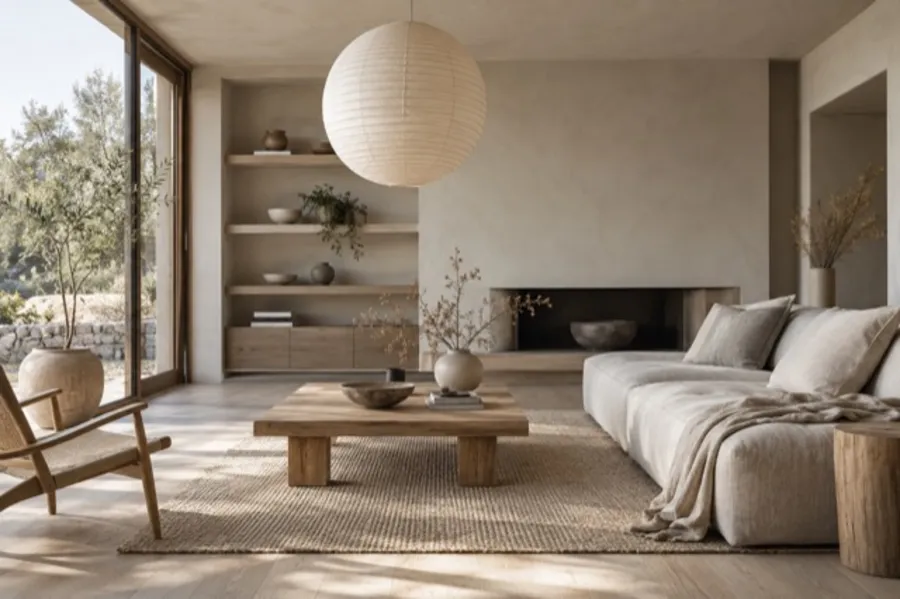
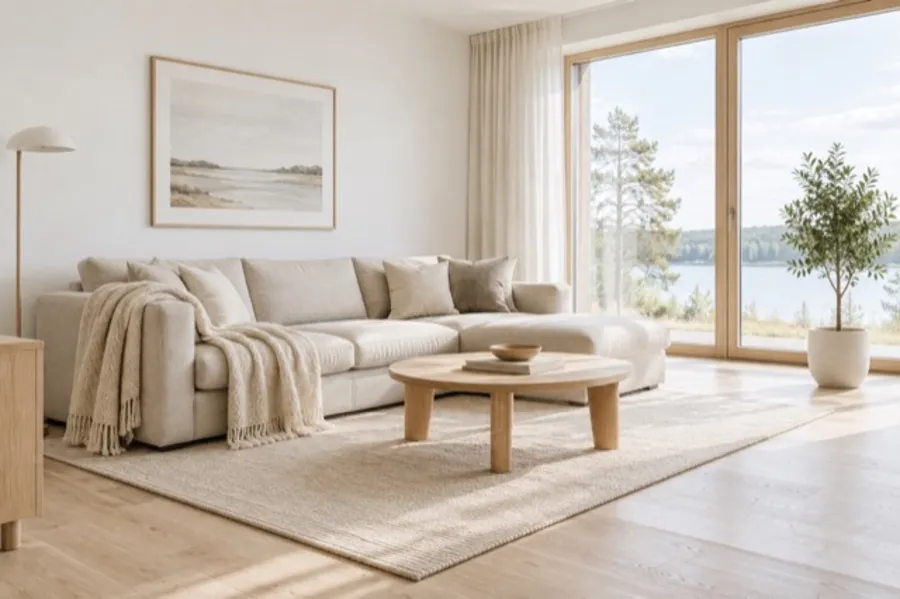
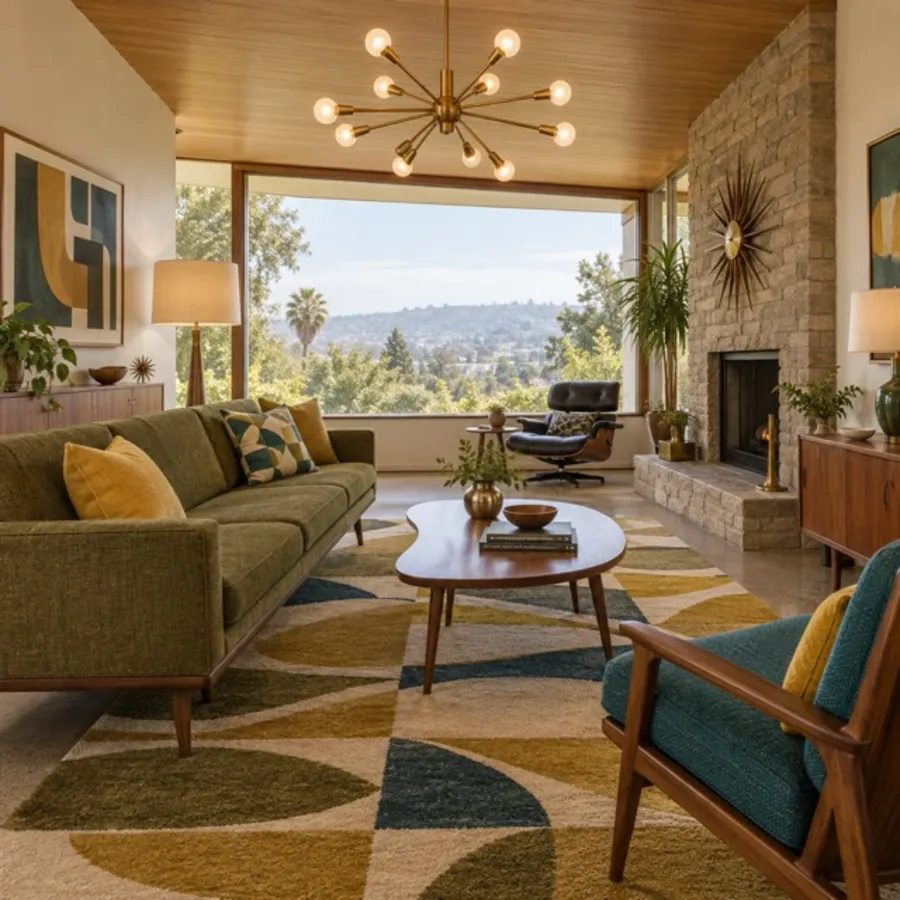
JapandiJapandi
ScandinavianScandinavian
Mid-CenturyMid-Century
BohoBoho
Step 3

Done

In about a minute you are looking at the finished room, not imagining it. Compare it with the original, save it in full resolution, or hand it to whoever needs to say yes.

  • Before and after on the same photo
  • Refine one detail without starting over
  • Replace or remove a single object
  • Try another style on the same room
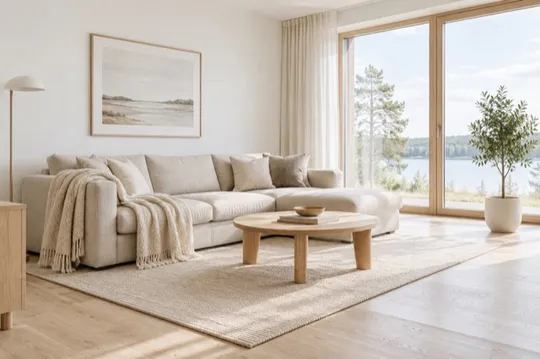
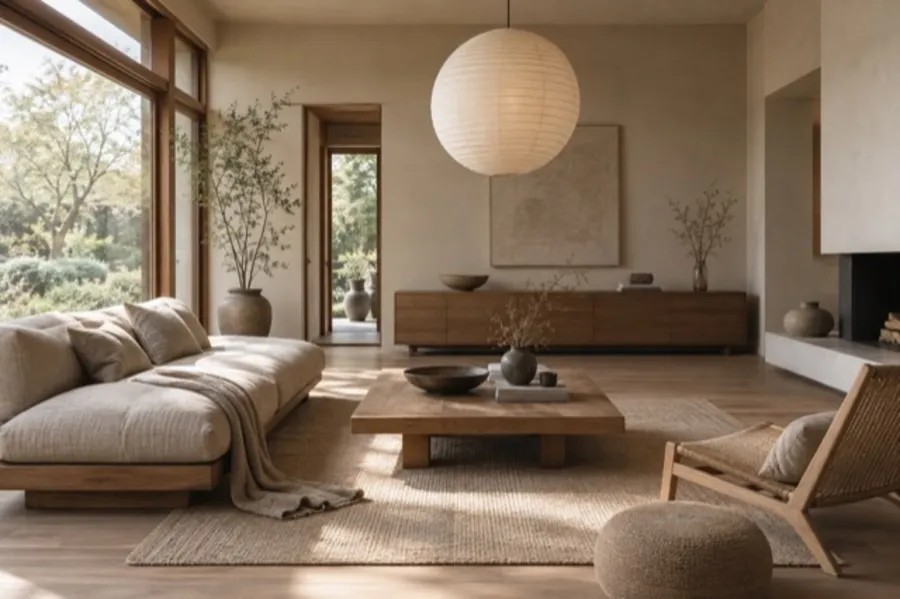
The redesigned living room
Style: JapandiRoom: Living room
SaveShareCompareRefineReplaceRemove
Before and after

The same room, the same windows, a different life.

Every design starts from a real photo. Slide each one to see what changed and, more importantly, what did not.

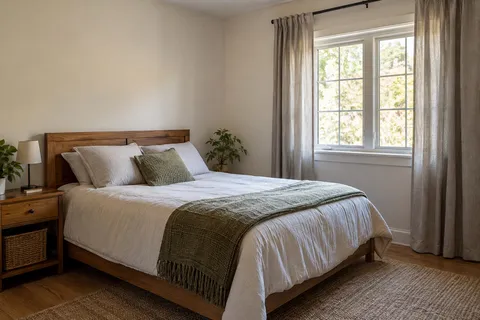
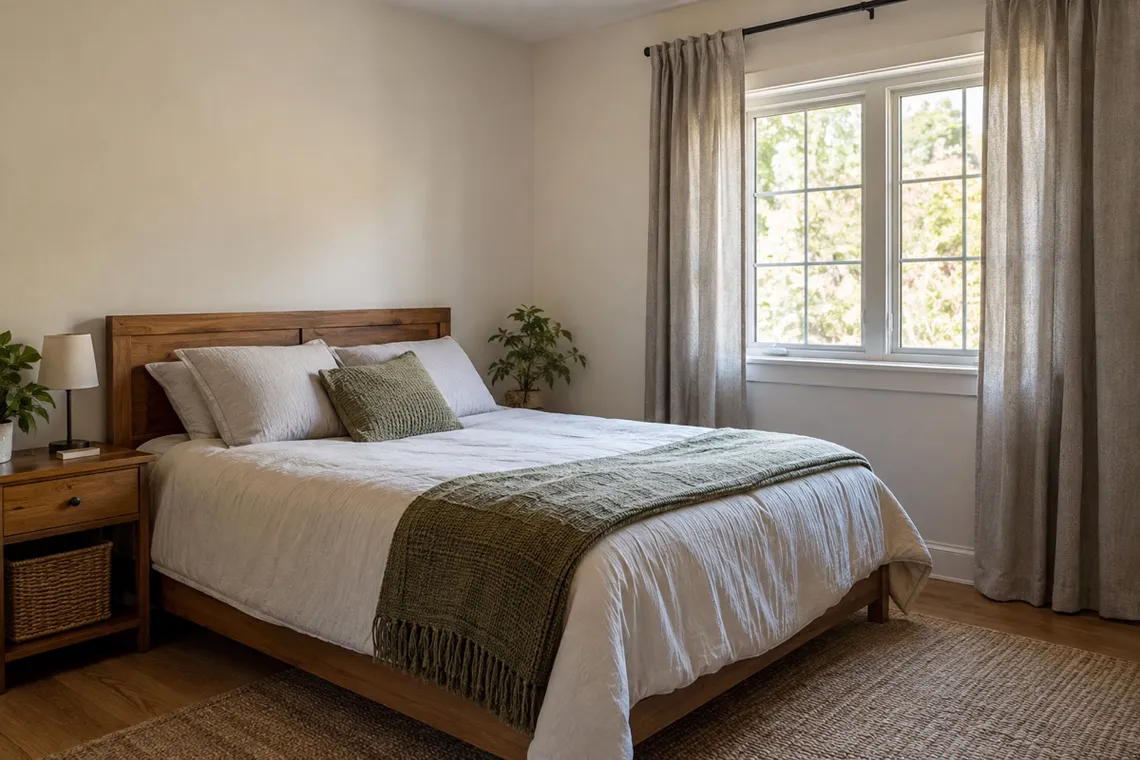
The same bedroom redesigned with a light wood bed, layered bedding and warm lamps A plain bedroom before redesign
BedroomScandinavian, from one photo
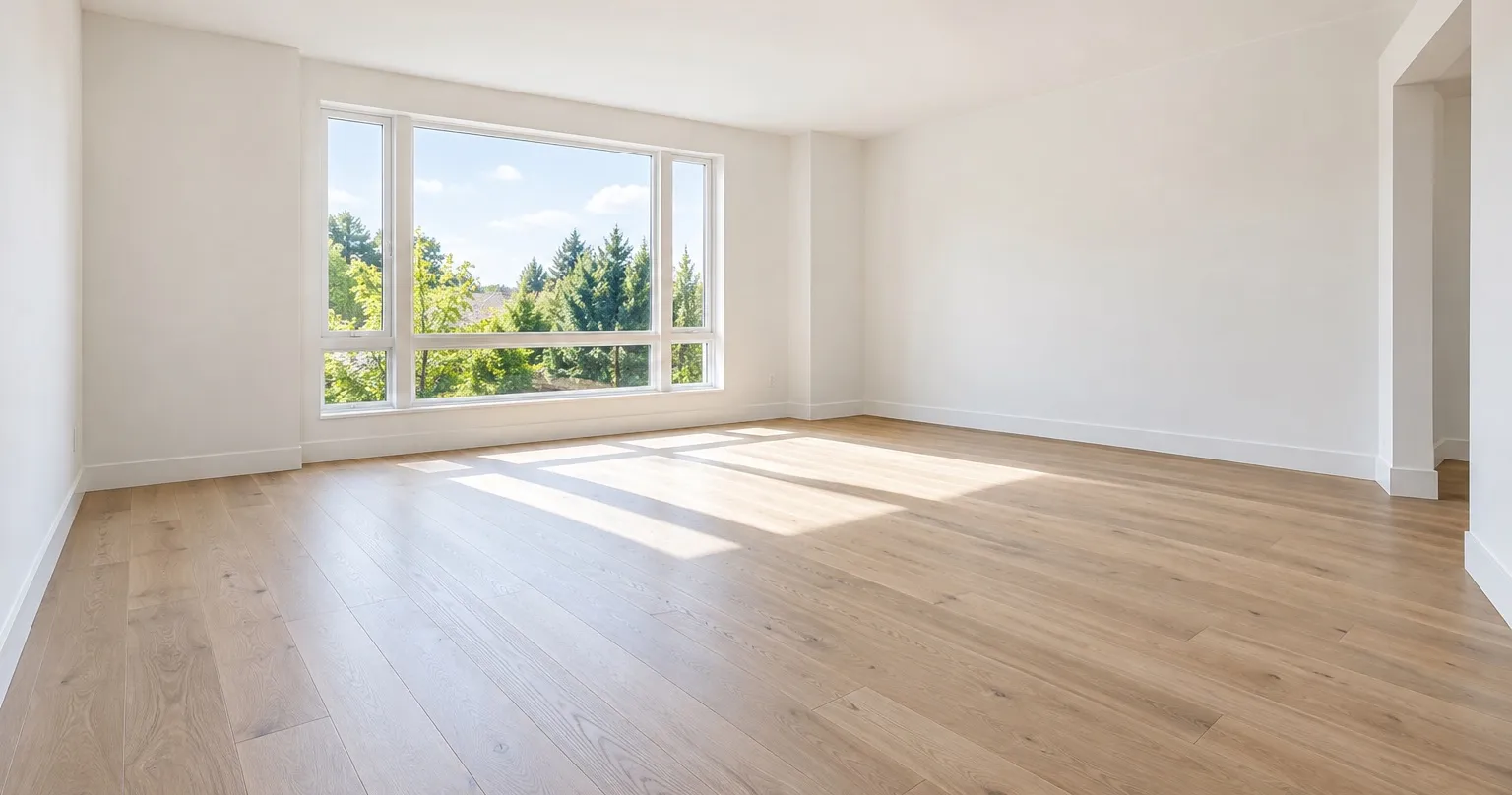
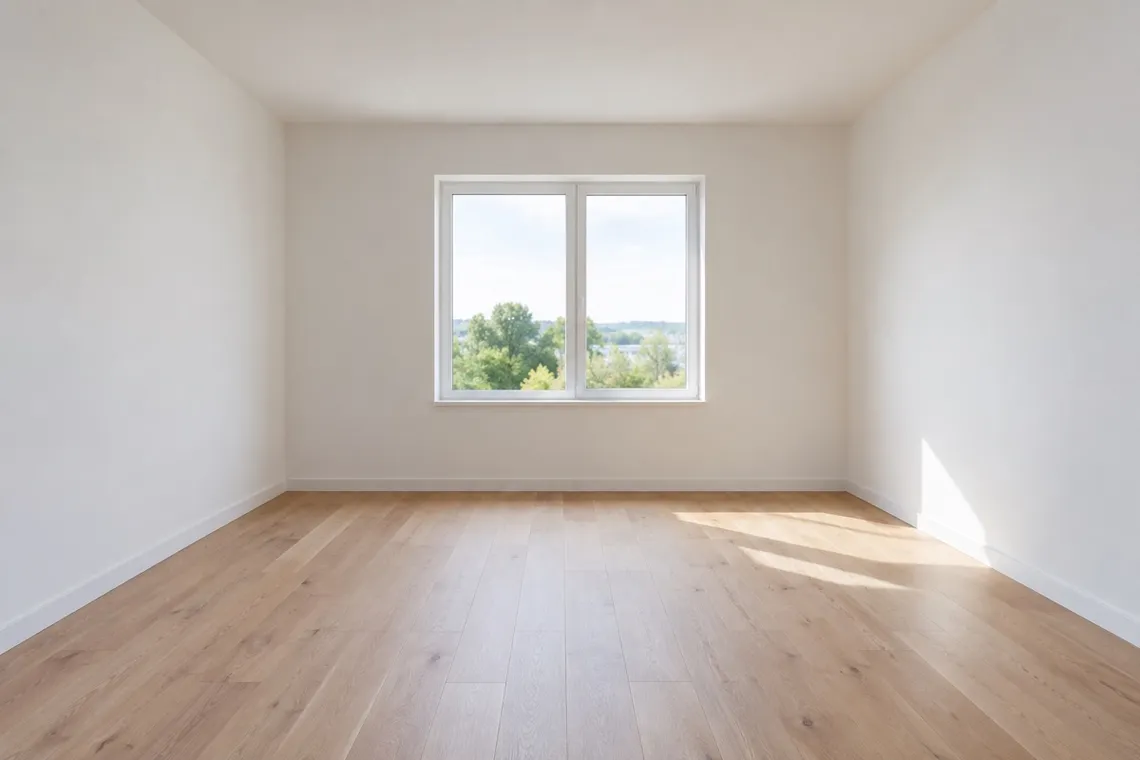
The same room virtually staged with a beige sectional, stone coffee table and plants An empty white room with a single window and pale floorboards
Empty room, stagedFurnished from scratch
The same garden with a stone terrace, outdoor sofa, fire table, planting and lights at dusk A plain lawn and patio before redesign
Garden and patioTerrace, planting and lighting
Styles

Twenty-five interior styles, and eight for the garden.

From Scandinavian to Mid-Century, Japandi to Modern Farmhouse. Every style has a photograph, so you know what you are choosing before you choose it.

Browse all styles

Features

Redesign the room, or change one thing about it.

Nine tools, one idea: start from your photo and change only what you want changed.

A restyled living room with the original windows and wall layout intact

Restyle a room

Pick a style and see your room redesigned, with your walls and windows kept exactly where they are.

A bright empty room with pale oak floors, ready to be staged

Virtual staging

Furnish an empty room from scratch. For listings, for a move, or to see the potential before you commit.

A landscaped garden with a stone patio, pergola and lounge seating

Garden and outdoor

Redesign a garden, patio, balcony or pool area the same way you redesign any room.

A calm living room where one green velvet armchair stands out as new

Replace an object

Select any object and swap it for something else: a different sofa, a new rug, another lamp.

A tidy, uncluttered modern living room with nothing out of place

Remove objects

Select clutter, furniture or anything you do not want and have it removed cleanly.

A dining table laid for a dinner party with candles and flowers

Decorate for an occasion

Dinner on Saturday? See your room set up for it before you move a single chair.

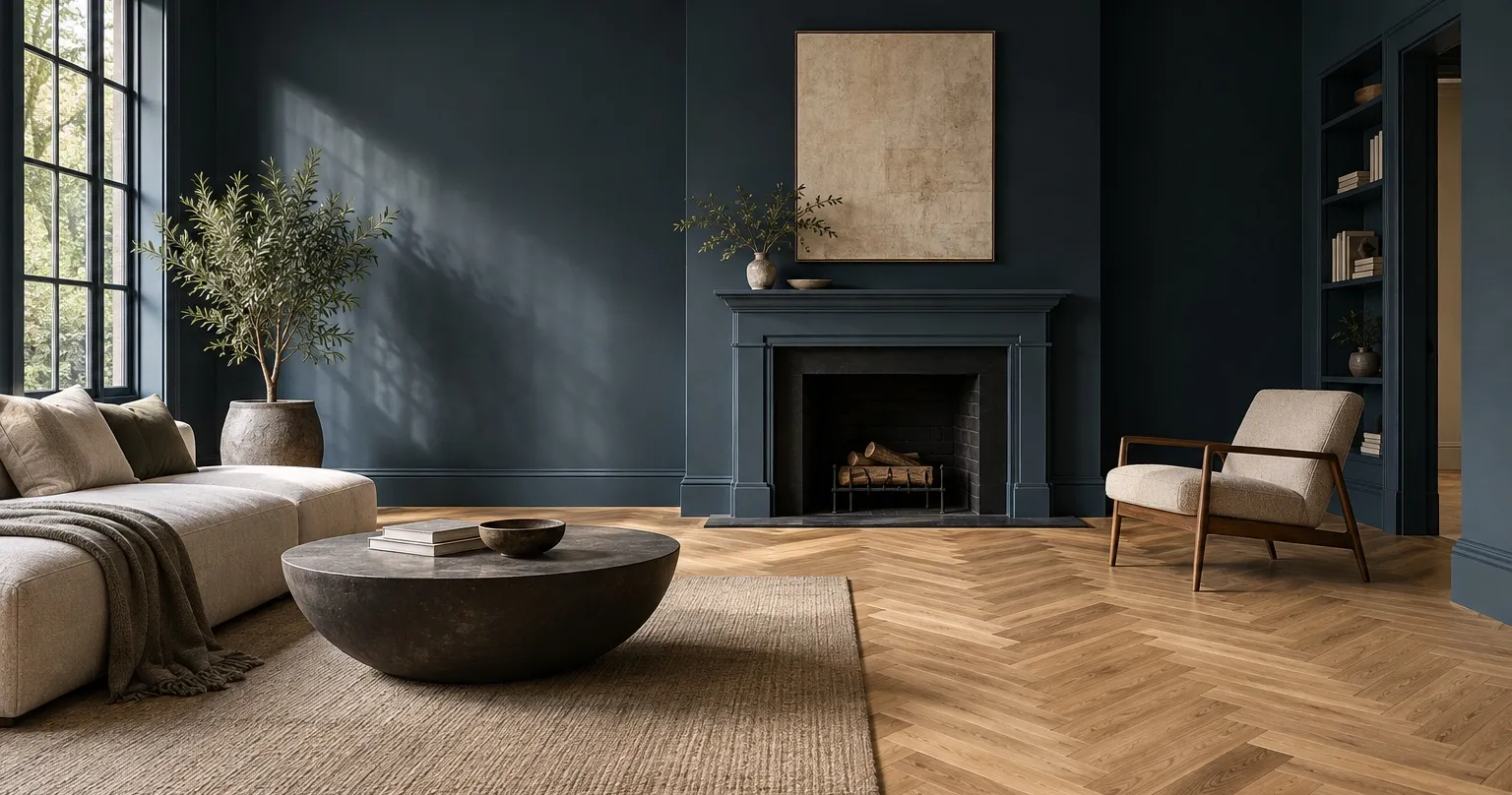
A living room with a deep painted wall meeting a herringbone oak floor

Walls and flooring

Try a new wall colour or a different floor without touching the furniture.

Room AI app icon: a cream armchair in a warm, sunlit room
Room AI for iPhone

Free to download. Your first designs are on us.

Unlimited designs, every style and full-resolution results with Room AI Pro. Cancel any time.

Download on theApp Store
Questions

Answers before you download.

What kind of photo works best?

A wide, level shot taken from a doorway or corner, in daylight, showing as much of the room as possible. Room AI includes a short photo guide, and it tells you before you generate if a photo is likely to give a poor result.

Does it change my walls, windows or layout?

Not unless you ask it to. Every design starts from your actual photo and keeps the walls, windows, doors, ceiling and proportions in place. You choose how much can change: refresh the furniture, redesign the room, stage an empty one, or give it full creative freedom.

Which rooms and spaces can I redesign?

Living rooms, bedrooms, kitchens, dining rooms, home offices, bathrooms, hallways and more, plus gardens, patios, balconies and pool areas. Empty rooms can be furnished from scratch.

How long does a design take?

Usually under a minute. Keep the app open while it works; you will get a notification when the design is ready.

What happens to my photos?

Your photo is sent to our design service to create the redesign and is not kept there. Your designs are stored on your iPhone, in the app, and you decide what to save to Photos or share.

Is Room AI free?

Room AI is free to download and includes free designs to try. Unlimited designs, every style and full-resolution results are part of Room AI Pro, with weekly and yearly plans that you can cancel at any time.

Can I change one thing about a design?

Yes. Refine a result without starting over: warmer, less furniture, a different rug. You can also replace or remove a single object by selecting it.

Which devices does it run on?

Room AI is an iPhone app, available on the App Store. It works with photos from your camera or your photo library.